 Post Once
Connect Facebook to LinkedIn
Connect your Facebook Page as the source and your LinkedIn profile as a destination in Post Once. From then on, the Reels and longer videos, photos, albums and text posts you post on Facebook go to LinkedIn on their own, with your caption. Stories skip LinkedIn, because LinkedIn does not take Stories.
Before you start
- A Facebook Page you manage. Facebook only lets apps read posts from Pages, not personal profiles.
- A LinkedIn account. Post Once posts to your personal profile, not a company Page.
- A Post Once account. The free plan includes 10 reposts, with no card needed.
How to connect Facebook to LinkedIn
-
Create a free account at app.postonce.com. After two short intro screens, Post Once asks where you post.
-
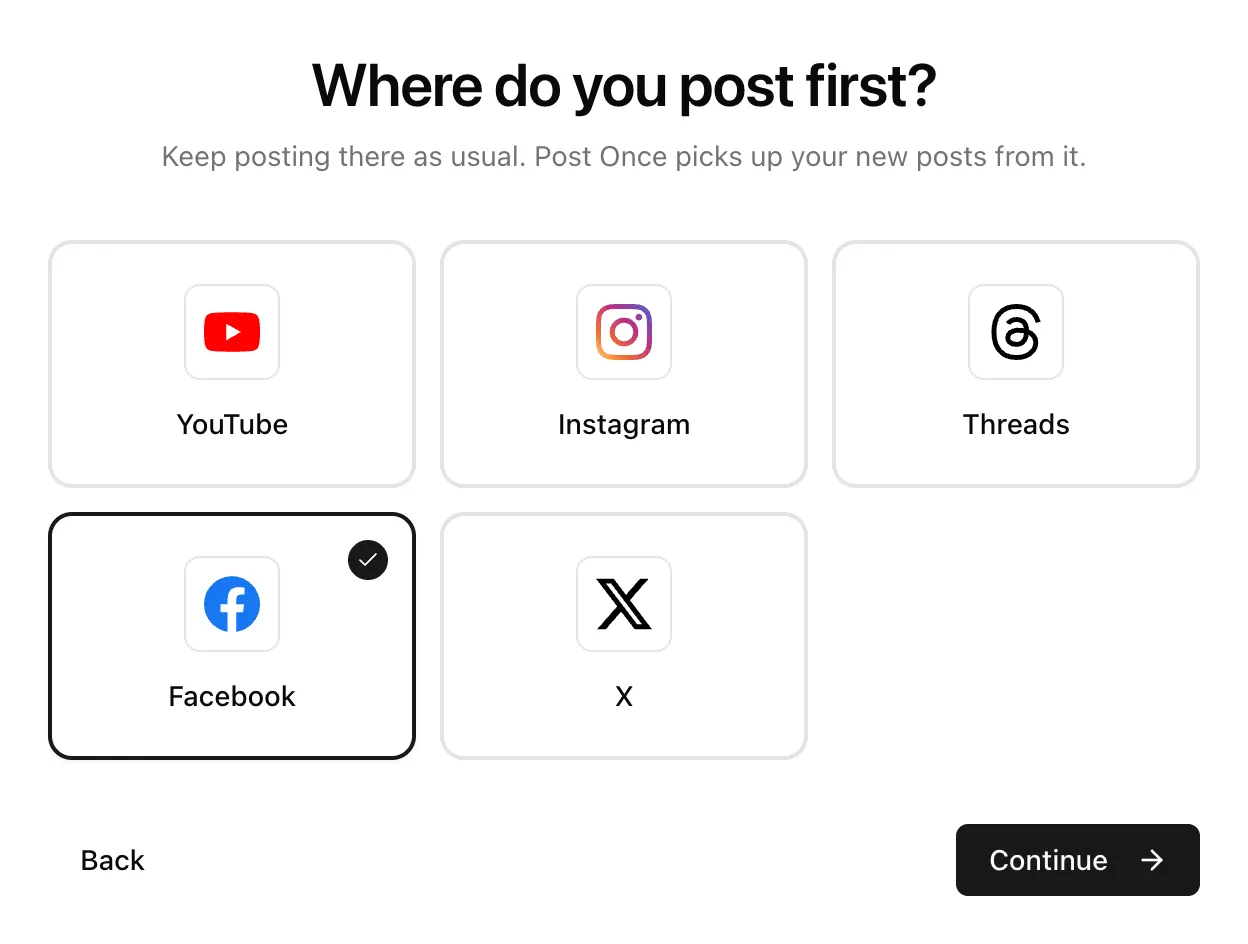
Under Where do you post first?, pick Facebook and press Continue.
-
Under Where else should it land?, pick LinkedIn. Add any other apps, or a backup, then press Continue.
-
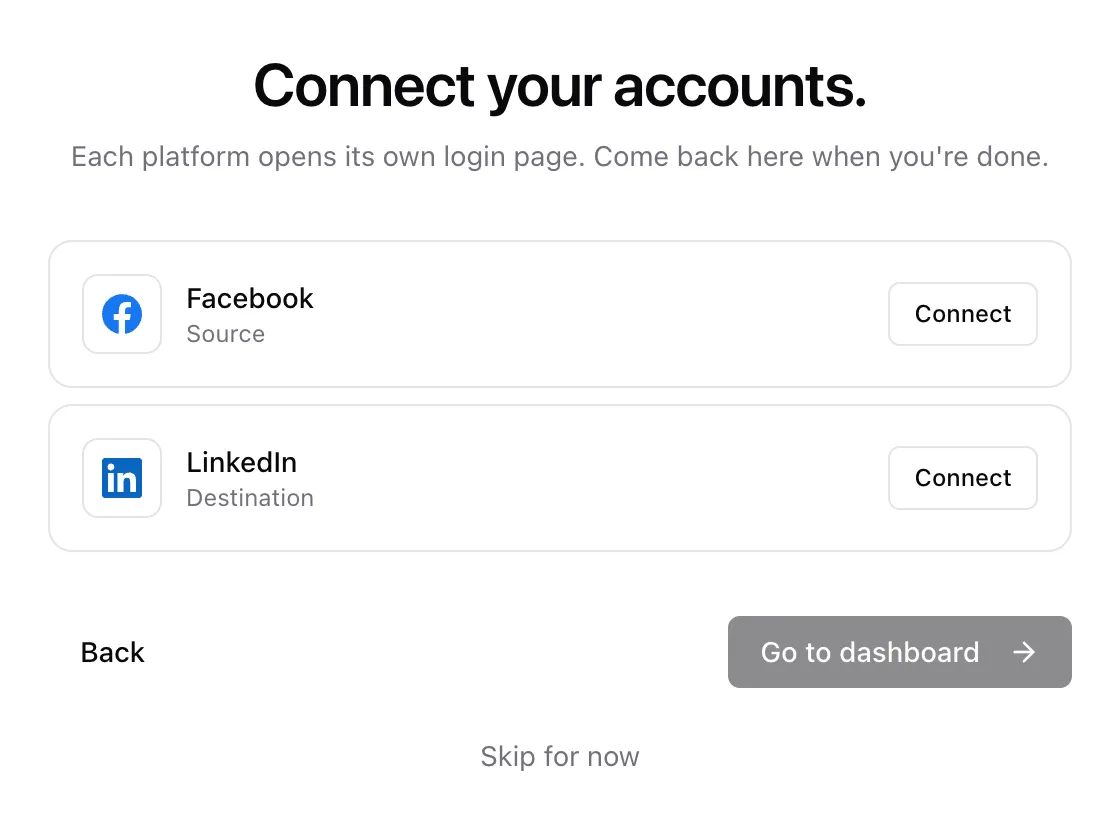
On Connect your accounts., press Connect on the Facebook row. Sign in with Facebook. In Facebook’s permissions dialog, make sure the Page you post on is selected. Back in Post Once, pick it in the Repost from Page list on the Facebook row. With only one Page, it is picked for you.
-
Press Connect on the LinkedIn row. Sign in with LinkedIn and allow access.
-
When both rows say Connected, press Go to dashboard.
From then on, keep posting on Facebook as usual. Post Once checks it about every five minutes and reposts each new post to LinkedIn.
Already using Post Once?
If Facebook is already the source of your bridge, open Bridge and press Connect next to LinkedIn in the Destinations card, or press Add destination on the dashboard.
If your bridge reads from another account, add a second bridge with Facebook as its source from the bridge switcher. Free and Solo include 1 bridge, Studio 3 and Agency as many as you need. See bridges.
What each Facebook post becomes on LinkedIn
| On Facebook | On LinkedIn |
|---|---|
| A Reel or video up to 3 minutes, vertical or square | A video post. |
| A video over 3 minutes, or a landscape one | A video post, up to 30 minutes and 500 MB. Longer videos skip LinkedIn. |
| A photo | A photo post. |
| A photo album | A swipeable PDF post, one page per photo, titled with the first line of your caption. Pick Photo grid to post up to 20 photos in a grid instead. |
| A text or link post | A text post, up to 3,000 characters. |
| A Page Story | Skipped. LinkedIn does not take Stories. |
A skipped post shows the reason on your dashboard and still goes to your other destinations. See long videos for how Post Once tells short from long.
How your caption carries over
The post text goes with each repost. When a link post leaves the link out of its text, Post Once adds it. Events and check-ins are not reposted.
LinkedIn takes captions up to 3,000 characters, and hashtags in them become LinkedIn hashtags. Posts are public, on your personal profile.
Choose what goes to LinkedIn
On the Bridge page, the LinkedIn row has three settings.
- What to post has a switch for Videos, Photos and Text posts. Switch a kind off and those posts skip LinkedIn, though you can still send one there by hand. Switching every kind off pauses LinkedIn.
- Carousels sits under Photos and decides how a post with two or more photos goes to LinkedIn: Swipeable PDF, the default, which people swipe through like a carousel, or Photo grid. It shows while Photos is on.
- Rewrite caption changes the caption for LinkedIn only: Remove comment, DM and link in bio prompts, Remove hashtags and mentions, Rewrite with AI to suit LinkedIn, and Add your own text at the start or end. Each one is off until you turn it on.
Check that it works
Post something on Facebook as usual. Within about five minutes it shows up under Your posts on the dashboard (press Check now to look straight away), then goes to LinkedIn. Each post shows where it went, what was skipped and why.
If a repost fails, Post Once tries again up to 5 times over about half an hour. If it still fails, you get an email, and Retry sends it again to just the accounts it missed. See a post did not repost.
Only posts published after you connect are reposted on their own. Older ones are listed in Your posts, where you can send any of them by hand.
Frequently asked questions
Is it free to repost Facebook to LinkedIn?
Every account gets 10 free reposts, with no card and no watermark. One repost is one post sent to all your destinations, so it counts once however many apps it goes to. After that, paid plans start at $9 a month. See pricing.
How fast do Facebook posts reach LinkedIn?
Post Once checks Facebook about every five minutes, then reposts straight away. Long videos take a few more minutes to fetch and upload.
What are the limits of reposting from Facebook to LinkedIn?
Post Once sends at most 25 posts per LinkedIn profile per day. LinkedIn access also ends after 60 days: Post Once emails you 5 days before, and you reconnect with one sign-in. Videos can run up to 30 minutes.
Why does my carousel go to LinkedIn as a PDF?
LinkedIn has no swipeable photo post outside of ads: several photos in one post show as a grid. A PDF is how people post carousels on LinkedIn. Each photo becomes one page at its own size, and people swipe through the pages in the feed. To post the grid instead, pick Photo grid under Carousels on the LinkedIn row. To post one by hand, read how to post a carousel on LinkedIn.
Can I repost from my personal Facebook profile?
No. Facebook only lets apps read posts from Pages, so the source must be a Page you manage.
Why do I have to reconnect LinkedIn?
LinkedIn gives apps access for 60 days and does not let them renew it. Post Once emails you 5 days before it runs out, and the LinkedIn row shows a Reconnect link. Reconnecting takes one sign-in. See reconnect an account.