 Post Once
Connect your source account
Your source account is the one you keep posting on, as usual. Pick it under "Where do you post first?" when you sign up, or on the Bridge page later, and sign in to that platform to connect it. Post Once can read from Instagram, Facebook Pages, Threads and X.
The source account is where you keep posting, in that platform’s own app. Post Once never posts there. It watches it for new posts and reposts them to your other accounts. New to all this? Start with how Post Once works.
Which accounts can be a source?
| Platform | What Post Once picks up | Notes |
|---|---|---|
| Reels and videos, photos, carousels, Stories | Needs a Business or Creator account. See repost from Instagram. | |
| Videos and Reels, photos and albums, Stories | A Facebook Page, not a personal profile. See repost from Facebook. | |
| Threads | Videos, photos and carousels | See repost from Threads. |
| X | Videos and photos | Replies, reposts and text-only posts are skipped. See repost from X. |
Connect it when you sign up
- After you create your account, Post Once asks What slows you down most? Pick an answer and press Continue.
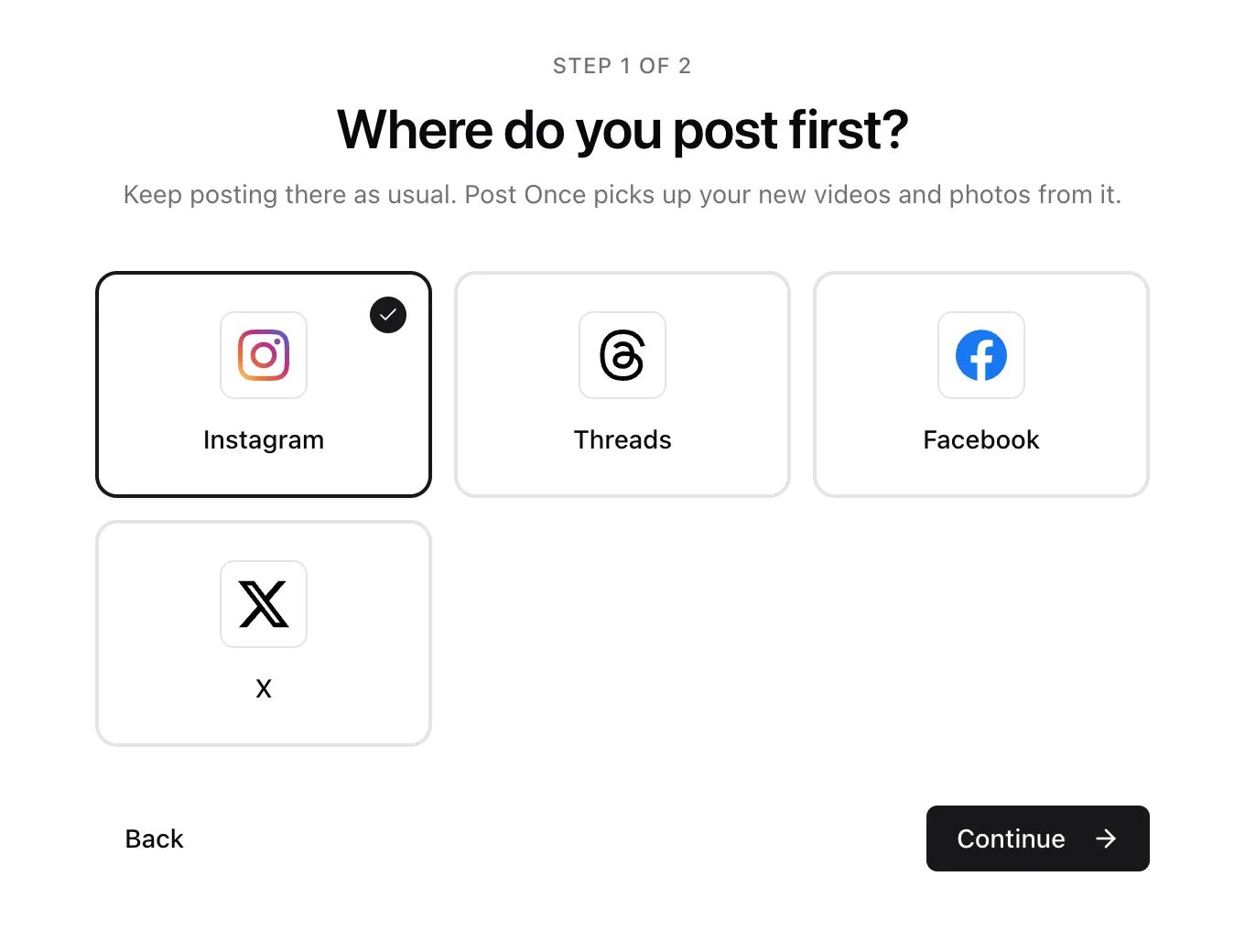
- Under Where do you post first?, choose the platform you post on and press Continue.
- Pick at least one destination under Where else should it land? See choose where Post Once reposts.
- On Connect your accounts., press Connect next to your source. The platform’s own sign-in page opens. Sign in, allow access, and you come back to Post Once.
- Connect your destinations the same way, then press Go to dashboard.
If you are not ready, Skip for now takes you to the dashboard. Press Connect accounts there to carry on where you left off.
Connect or change it later
Open Bridge in the top bar (or Manage bridge on the dashboard). In the Source card, press Connect as source next to a platform.
A bridge has one source. To switch to a different one, open the three-dot menu on the current source, choose Disconnect, then connect the new one with Connect as source. A destination that can also be a source has Make this the source in its menu, which swaps the two.
How quickly does Post Once see a new post?
It checks Instagram and X about every minute, and Threads and Facebook about every five minutes. To check right away, press Check now above Your posts on the dashboard. Checking never sends a post twice.
Frequently asked questions
Can YouTube be my source account?
No. YouTube is a destination only. Post Once can read new posts from Instagram, Facebook Pages, Threads and X.
Can I have more than one source account?
Each bridge has one source. To repost from a second account, make a second bridge. Free and Solo include 1 bridge, Studio 3 and Agency as many as you need. See bridges.
Will connecting repost everything I posted before?
No. Only posts published after you connect are reposted on their own. Older ones appear in Your posts, where you can post any of them by hand.