 Post Once
Repost and back up Stories
Post Once can repost Stories between Instagram and a Facebook Page, and save every Story to your backups. Switch on "Repost Stories here" for each destination on the Bridge page. Only Stories you post after switching it on are reposted.
Where Stories can go
| Your source | Stories can be reposted to | Saved to backups |
|---|---|---|
| A Facebook Page | Yes | |
| Facebook Page | Yes | |
| Threads or X | No Stories to repost | No |
A source is never a destination in its own bridge, so the useful pairs are Instagram to Facebook and Facebook to Instagram.
Switch it on
- Open Bridge.
- On the Instagram or Facebook row in Destinations, turn on Repost Stories here. The note under it reads “Stories you post on Instagram from now on also go to this account’s Stories.”
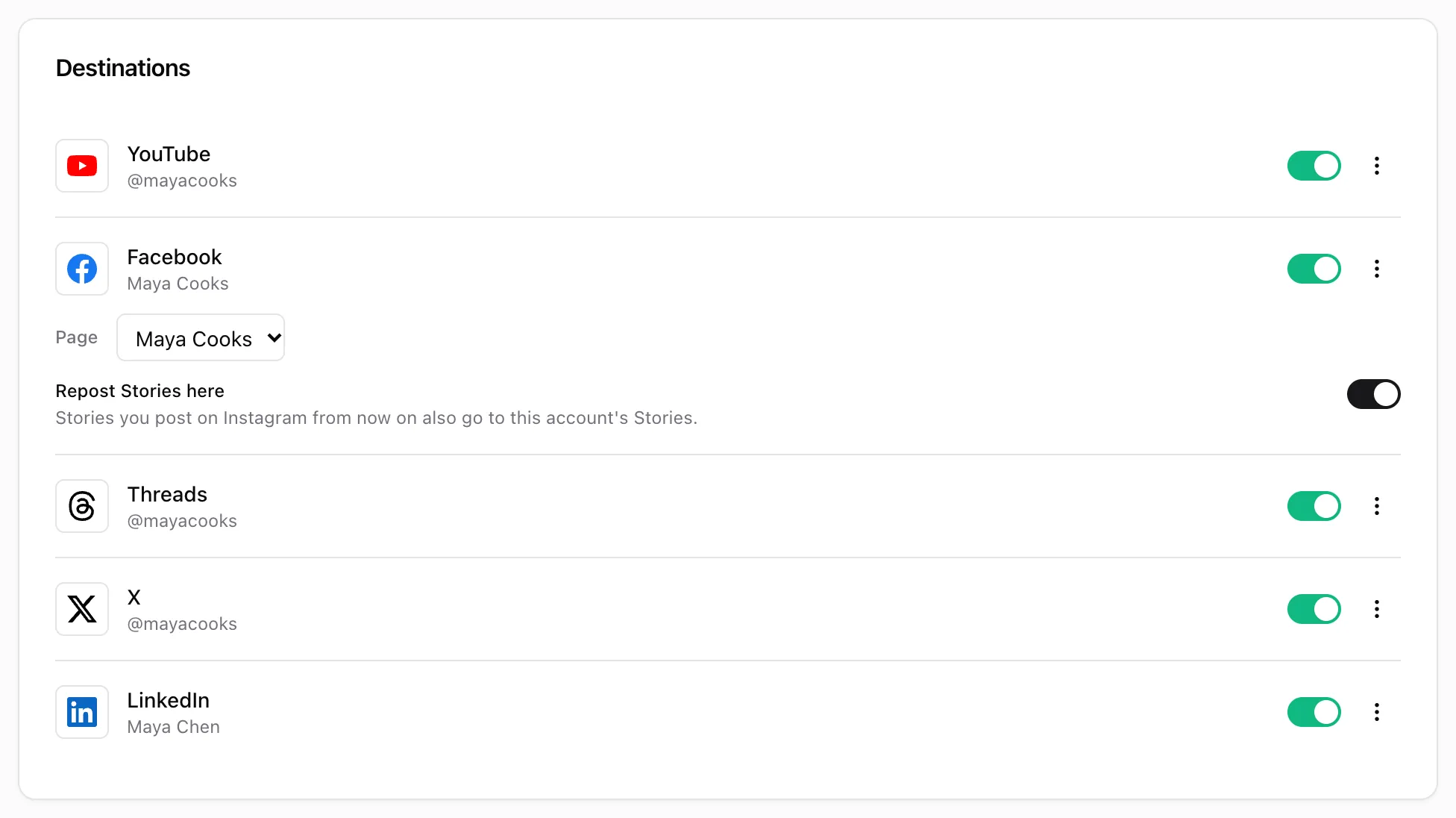
Only Stories posted after the first destination is switched on are reposted. Post Once checks for new Stories about every five minutes.
To repost Stories to Instagram, the Instagram account must be a Business account. Instagram does not let apps post Stories to Creator accounts.
Back up Stories
Backups save Stories when the Stories switch under Save is on, which it is when you connect a backup. Stories go in a Stories folder inside each month, named by date and time, without a caption file. See back up every post.
Stories have no caption, so the repost is the photo or video on its own.
Frequently asked questions
Why is the Stories switch off by default?
Instagram can already share your Stories to Facebook on its own, and many people use that. Post Once leaves its own Stories reposting off so a Story is not posted twice.
Can Post Once repost Stories to YouTube, Threads, X or LinkedIn?
No. Those platforms do not take Stories through their APIs. Stories can go to Instagram, Facebook Pages and your backups.
Why was a long Story not reposted?
Instagram and Facebook take Story videos from 3 to 60 seconds. A Story video outside that range is skipped.