 Post Once
Email notifications
Post Once can email you a weekly or monthly activity digest, and tell you when a post fails, when a post looks like a repeat and when your free reposts run low. Choose which ones you get under "Email notifications" in Settings. Reconnect reminders and password resets always arrive.
Open the menu under your avatar and choose Settings.
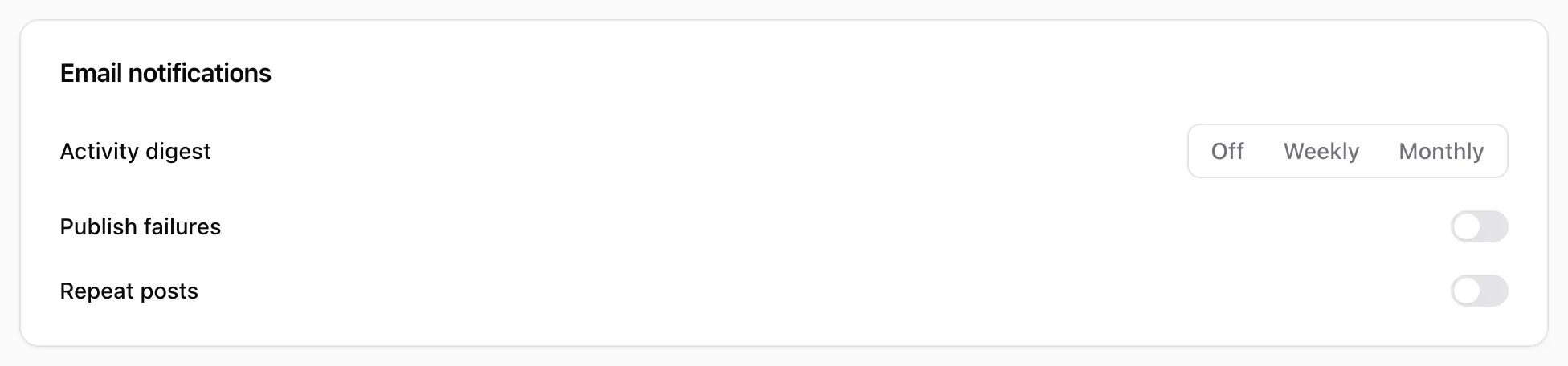
The emails
| Setting | What it sends | Default |
|---|---|---|
| Activity digest | A summary of what was posted, and what failed. Choose Off, Weekly or Monthly. | Weekly |
| Publish failures | One email when a post could not be published to one or more accounts, after Post Once’s automatic retries. | On |
| Repeat posts | “Post again? This looks like a repeat” when a post is held for review. See repeat posts. | On |
| Free reposts | A reminder at 2 free reposts left and at 0. Shown on the Free plan only. | On |
Every email has a one-click unsubscribe link at the bottom.
Emails you always get
- Reconnect reminders, when an account loses access or LinkedIn access is about to end. See reconnect an account.
- Password reset emails you ask for. See sign in and reset your password.
Frequently asked questions
When does the weekly digest arrive?
On Monday morning, around 08:00 UTC, covering the week before. If nothing happened that week, no email is sent.
Can I stop all emails?
You can turn off every email in Settings. Emails about an account that needs reconnecting and password reset emails always arrive, because Post Once stops working for you without them.